


CLOUD TELEPHONY + ZENDESK INTEGRATION
Calls, Logs, and Tickets. All with Zendesk.
Combine Acefone’s best-in-class cloud communication services with Zendesk’s intuitive CRM and build lasting customer relationships.
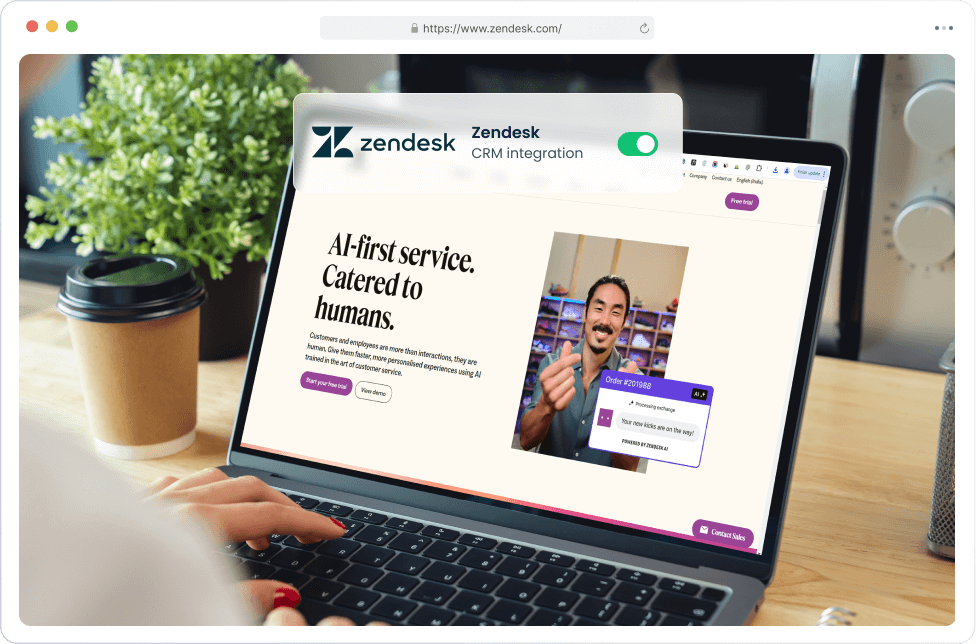
Integrate your way to business success. Get:

Call From Zendesk
- Dial any lead straight from Zendesk
- Log and access all calls from the CRM
- No separate phone app needed to open

Identify Callers with Ease
- Preview ticket and contact history
- Data visible the moment calls arrive
- No more searcing data mid-call

Auto-Ticket Every Call
- Enable once while setting up Zendesk
- Auto lead generation on every call
- No manual data entry needed afterward
Steps to Integrate with Zendesk

STEP 1
Enabling Zendesk on Acefone
- Enter your domain, user, and email details
- Turn on auto-ticketing if you want it
- Download the integration package
Go to Services → Integrations → Zendesk → Enable

STEP 2
Installing Latest Zendesk Package
- Upload package as a private app
- Install it for your account
- No code, no marketplace approval wait
In Zendesk Admin Center, go to Apps and Integrations

STEP 3
Authorise your agent accounts
- One sign-in per agent needed
- Calling appears in agent workspace
- And you’re done! It’s that simple.
Each agent signs in once to activate calling inside their Zendesk workspace
Every Call Detail, Saved Automatically
Once a call ends, Acefone saves this against the ticket without an agent touching a keyboard.
Auto lead capture
Six fields land on the ticket the second the line drops.
- Call recording
- Originating and destination number
- Call duration
- Caller location
- Agent name
- Disposition tag(s)
Business, simplified
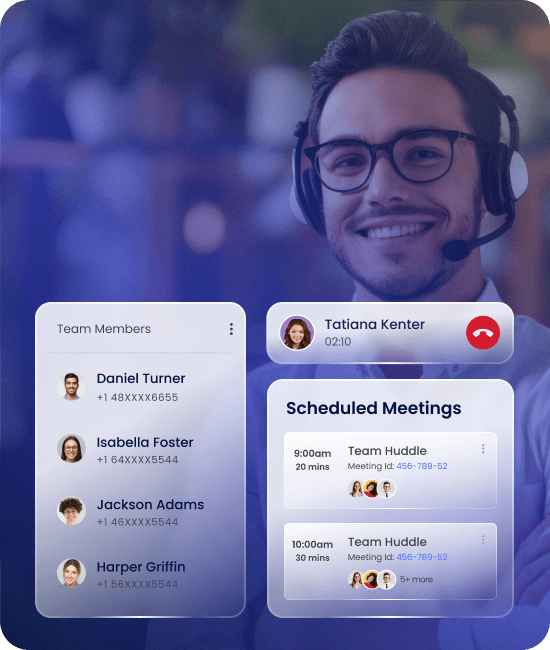
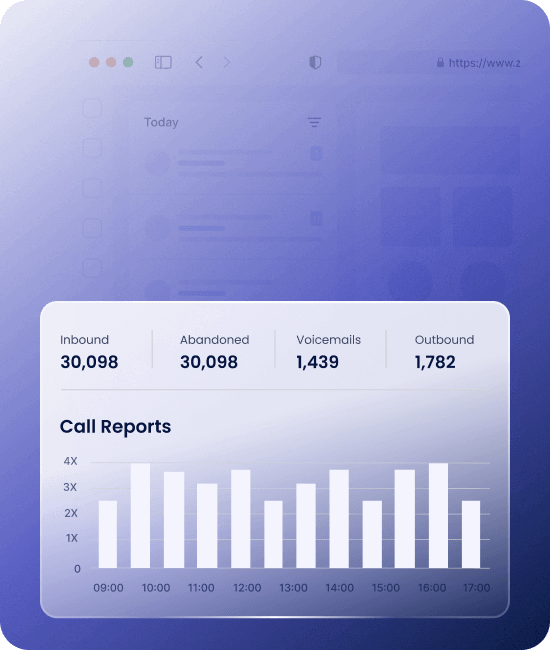
Enhance productivity and get better results with AI assistance
- Real-time data from Zendesk on Acefone platform
- AI solutions like copilot to engage leads better
- Turn conversations into reports for smarter insights
Cloud data stored in India
All of your Zendesk CRM data sits on Acefone's own cloud infrastructure, with data held in India.
- Hosted on Acefone's own India infrastructure
- Meets DPDPA 2023 data localisation rules
- No call data routed through overseas servers
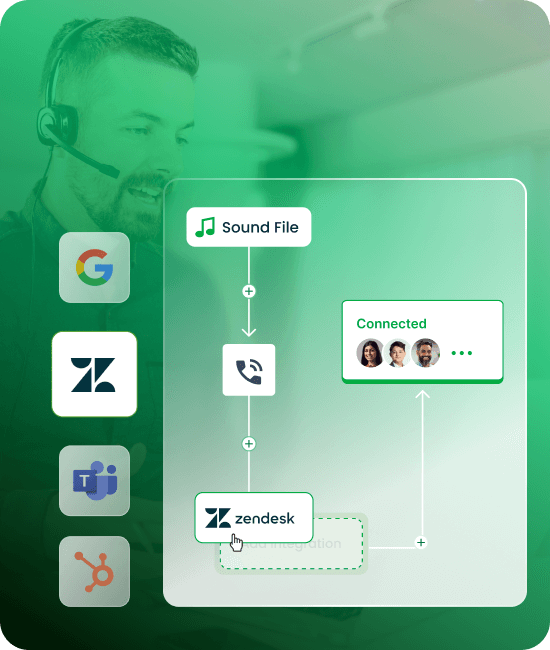
Integrate your contact center with Zendesk in Three Simple Steps
- 1 Login to Acefone
- 2 Enable Integration
- 3 Configure Integrations

More Cloud Telephony Integrations
Explore all integrations


Read More About Acefone Cloud Telephony Integrations
Grow your contact center with the right information at your fingertips

You're at the start of something special.
Try our cloud phone system today.


