

 4 mins read


Quick Answer: CRM telephony integration connects a business calling system to a customer relationship management (CRM) platform. It can show caller records, enable click-to-call and save call outcomes automatically, depending on the connector, permissions and configuration.
Here’s a scene that plays out in a lot of sales teams. A rep finishes a good call, gets pulled straight into another, and plans to log it later. Later never comes. Two weeks on, a colleague calls the same lead and asks questions that were already answered.
CRM telephony integration is the fix. It ties your phone system to your customer records so every call connects to the right person automatically. This guide explains how it works, which features matter, and how to set it up properly.
What Is CRM Telephony Integration?
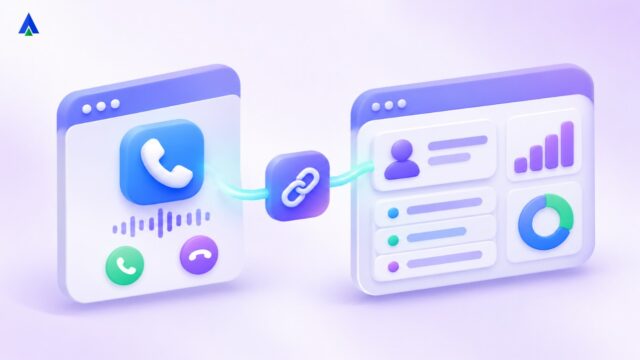
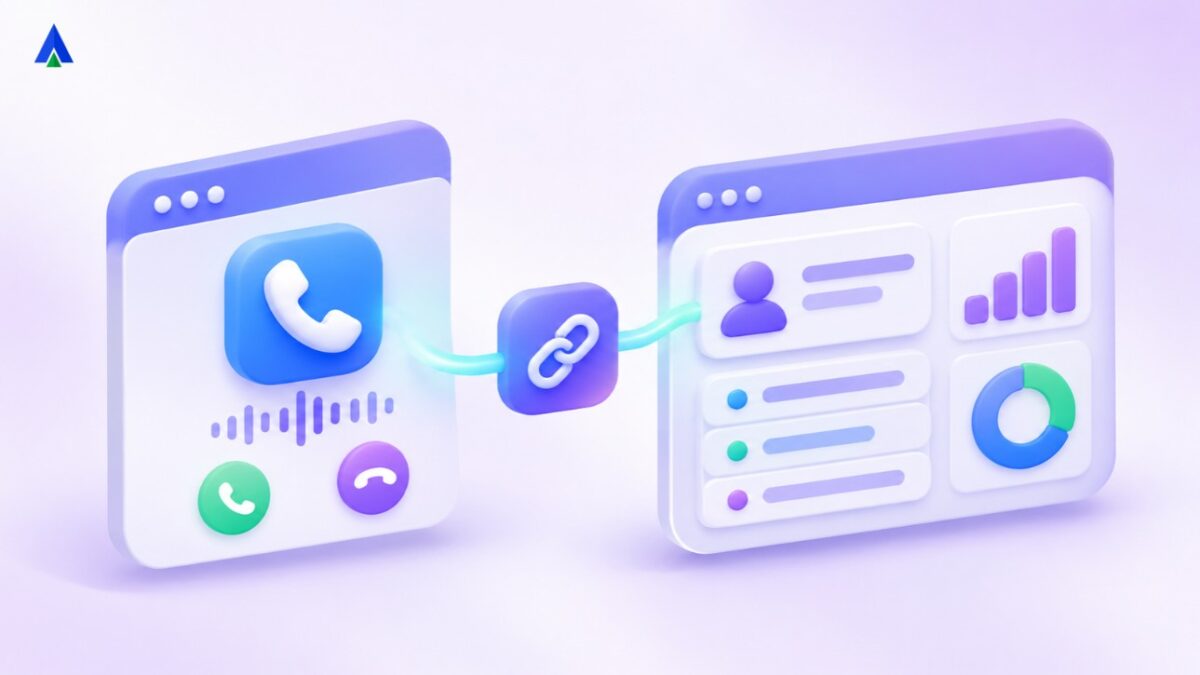
It’s a connection between your business phone system and your CRM so the two share information in real time. When a customer calls, the CRM shows who they are. When an agent calls out, they click a name instead of typing a number. And when the call ends, the details land on the right record without anyone entering them by hand.
You’ll also see it called CRM phone integration or integrated CRM calling software. With cloud telephony, it usually runs through built-in connectors or APIs, so there’s no hardware to install.
Why Do Businesses Need CRM Phone Integration?
Without integration, calls live in one place and customer data in another. Agents flip between tabs, copy numbers across and rely on memory. The result is missing call logs, duplicate follow-ups, slow handling, and managers who can’t see what’s really going on. That isn’t a people problem. It’s a systems problem.
What Features Matter in Integrated CRM Calling Software?
Explore how Acefone supports Salesforce CRM integration for calling and customer context.
- Click-to-call. Click any number in a contact record and the call starts. It’s faster and it removes wrong-number errors.
- Screen pop. Incoming calls open the caller’s profile before the agent says hello.
- Automatic call logging. Duration, time, outcome and agent are saved without manual entry.
- Recordings on the record. Anyone reviewing a deal can hear what was actually said.
- Customer interaction history. Calls, emails, tickets and notes sit in one timeline.
- Smart routing. Calls go to the account owner first, or to the right team if the owner is busy.
- Dispositions and notes. Agents tag the outcome in a couple of clicks.
CRM Calling With vs Without Integration
Without it, a rep dials from a separate phone, scribbles a note, and updates the CRM at the end of the day if there’s energy left. Half the calls never get logged. With integration, the rep clicks a name, the call is logged by itself, and the recording sits on the contact record. By the afternoon, the manager already has a clear picture of the team’s activity, and nobody had to ask for it.
What Are the Benefits of CRM Telephony Integration?
1. Sales
CRM sales productivity improves when reps spend their time selling. No manual logging, fewer tab switches, and context in front of them before every conversation. That means more calls per day, and better ones.
2. Support
Agents see past issues before the customer starts explaining. Fewer repeated questions, shorter calls, and customers who feel recognised.
3. Managers
You get data you can trust: call volumes, talk time, missed calls and conversion by rep, all tied to real deals instead of guesswork.
At a Glance: Integration Approaches
| Integration method | Best fit | Trade-off |
| Native connector | Teams using a supported CRM | Faster setup; fewer custom options |
| API-based integration | Custom fields and bespoke workflows | More development and maintenance |
| Webhooks | Event-driven updates such as call completion | Requires event handling and testing |
How Does Cloud Telephony CRM Integration Work?
Compare Acefone cloud telephony services when planning your CRM-to-calling workflow.
Most cloud telephony CRM integration follows one of three routes. A native connector is a ready-made plug-in for CRMs such as Zoho, HubSpot or Salesforce. An API-based link is built to your own requirements. A webhook sends call events to your CRM as they happen. Native connectors are quickest to set up. APIs give you room for unusual workflows.
How to Set Up CRM Phone Integration in 6 Steps
Need multiple communication channels in one workspace? Explore Acefone Interactions Hub.
- List what you need: which CRM, how many agents, which features.
- Check that your telephony provider supports your CRM natively.
- Map the fields so you know which call data goes where.
- Set permissions so people see only what they should.
- Test with a small group before rolling out to everyone.
- Train the team on the habits that matter, like choosing a disposition after each call.
Common CRM Telephony Integration Mistakes to Avoid
- Messy data. If phone numbers in your CRM use different formats, calls won’t match to contacts. Clean them up and pick one format first.
- Duplicate contacts. Merge them before you integrate, or history will be split across records.
- Skipping training. The tool only helps if agents actually use dispositions and notes.
- Ignoring reports. Build call dashboards early. Otherwise the data just piles up unused.
How Do You Choose a CRM Telephony Integration Provider?
For CRM and helpdesk alignment, review Acefone Freshworks integration and confirm your required objects and permissions.
Ask whether the integration is two-way, how quickly data syncs, which CRMs and other tools it supports, and what help you get when something breaks. A connector that only pushes data one way will leave gaps you’ll notice within a week.
Acefone’s cloud telephony connects with a range of popular CRMs, so calls, recordings and logs can flow into the tools your team already uses.
Frequently Asked Questions
Not with cloud telephony. It runs over the internet through connectors or APIs, and agents can work from a browser or an app. That depends on the provider. Most support popular options such as Salesforce, HubSpot and Zoho, and offer API links for others. Confirm yours before you choose. It should be, through encryption and role-based access. Check who can listen to recordings and who can export data. A native connector can be quick. Custom API integrations take longer, mainly because of field mapping and testing. Only if the connector is configured for the relevant call events, user permissions and contact matching. Test missed calls, transfers and unmatched numbers during the pilot. A phone system places and receives calls. CRM integration connects call activity and customer records so agents can work with shared context.
Conclusion
Want a guided walkthrough? Explore Acefone Contact Center Studio and request an integration demo.
A phone system and a CRM that don’t talk to each other force your team to be the bridge between them, and people are expensive bridges. Connect them once, and every call adds to your customer record without extra effort.
Want to see click-to-call, screen pop and automatic logging working with your CRM? Book a demo with the Acefone team.