


 3 mins read


Most QA managers say the same thing about AI call analytics tools. They work, but you cannot see inside them. You cannot tweak a scoring rule without raising a ticket. You cannot tell if a transcript in Hindi got scored as accurately as one in English.
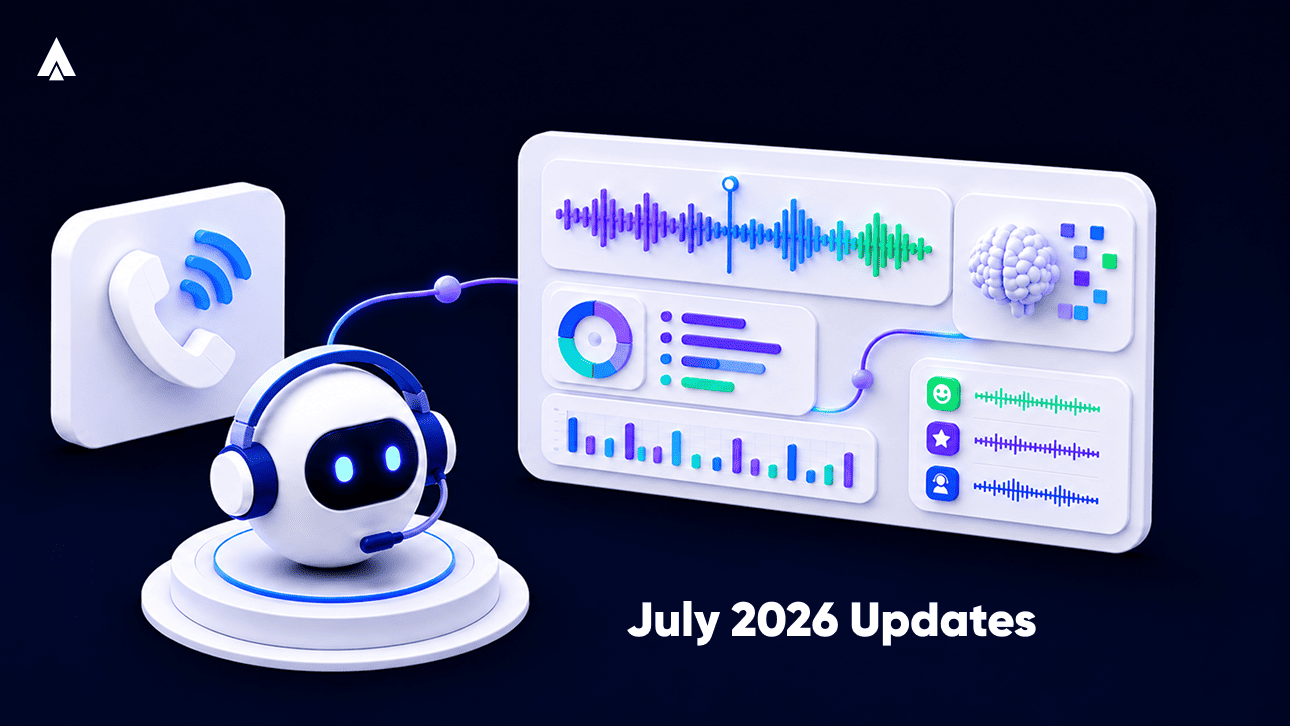
Over the past five months, we have shipped a run of updates to Xtract– our AI call analytics engine.
We move its configuration out of engineering hands and into yours. Sentiment scoring got a compliance layer. And admins got a real-time view of what Xtract is actually doing across your account.
Here are four capabilities from that run, and what each one changes for a QA team on the ground.
Self-Serve Configuration
Xtract’s configuration used to sit behind engineering. Every change to a scoring prompt or response rule meant a request, a queue, and a wait.
That changed in three steps. We shipped a full configuration console for Xtract, enabling you to customize prompts and responses directly. This console now makes managing extraction settings from one place easy for everyone. Later, we also removed the backend dependency entirely with the DIY Custom Configurations for Xtract.
A QA manager can now change what Xtract flags and how it scores a call. This can happen the same day a coaching gap shows up. No engineering ticket, no wait.
Read More- What is Post Call Analytics
Multilingual Call Transcripts
A contact center running calls in Hindi, Hinglish, or a regional language has always faced the same problem. Analytics tools built for English miss the nuance in everything else.
In March 2026, we added “transcript translation and export” directly inside Xtract. A supervisor can open any transcript and convert it to English with one click. It can also be exported for review or audit. This works regardless of the call’s original language.
For a QA team scoring calls across a mixed-language floor, this closes a real gap. A call in Tamil gets the same review depth as a call in English, without a separate translation step.
Sentiment and Quality Scoring Work Together
Knowing a customer sounded frustrated is only half the picture. A QA team also needs to know if the agent followed the required script and disclosures.
In May 2026, we added a Sentiment Card to Xtract. It gives a visual summary of customer sentiment for every interaction. In June, the detail page went further, adding a Quality Checklist alongside an expanded sentiment view. A supervisor opening a flagged call now sees customer mood and compliance adherence side by side. Both sit on the same screen.
This is the shift from a single sentiment score to a fuller picture. A call can look calm and still fail a compliance check. It can also sound tense and still meet every required step. Xtract now surfaces both.
How Admins Track Call Usage
For an admin managing Xtract across a growing team, usage visibility matters as much as the analytics themselves.
In June 2026, we added a PCA usage dashboard for admins. It shows consumption and activity at a glance, without digging through separate reports.
An admin can now check how much of Xtract’s capacity the team is using. It shows up in the same dashboard they already check daily. No separate report to pull, no support ticket to raise.
Where This Leaves QA Teams Today
Four updates point in one direction. Xtract is moving control back to the people who use it daily.
Configuration is self-serve. Transcripts work across languages. Sentiment and compliance sit together on one screen. Usage is visible without a support ticket.
None of this replaces a QA manager’s judgement. It removes the friction between noticing a problem and being able to act on it.
See these capabilities on your own call data. Book a demo of Xtract and bring a sample of your team’s recent calls to the walkthrough.