


 3 mins read


Ever had a customer repeat their whole issue to an agent, right after finishing it with a voice bot? It’s a common gap in contact centers running voice bots alongside human agents. The latest updates in AceX close that gap on Contact Center Studio.
They add a few other improvements too. Bots and agents now share context on every transfer. Your QA team can configure scoring and sentiment without raising a ticket for routine changes. Your ops team can catch CRM issues before a shift starts. Here’s what changed.
Why Do Callers Repeat Themselves After Transfer?
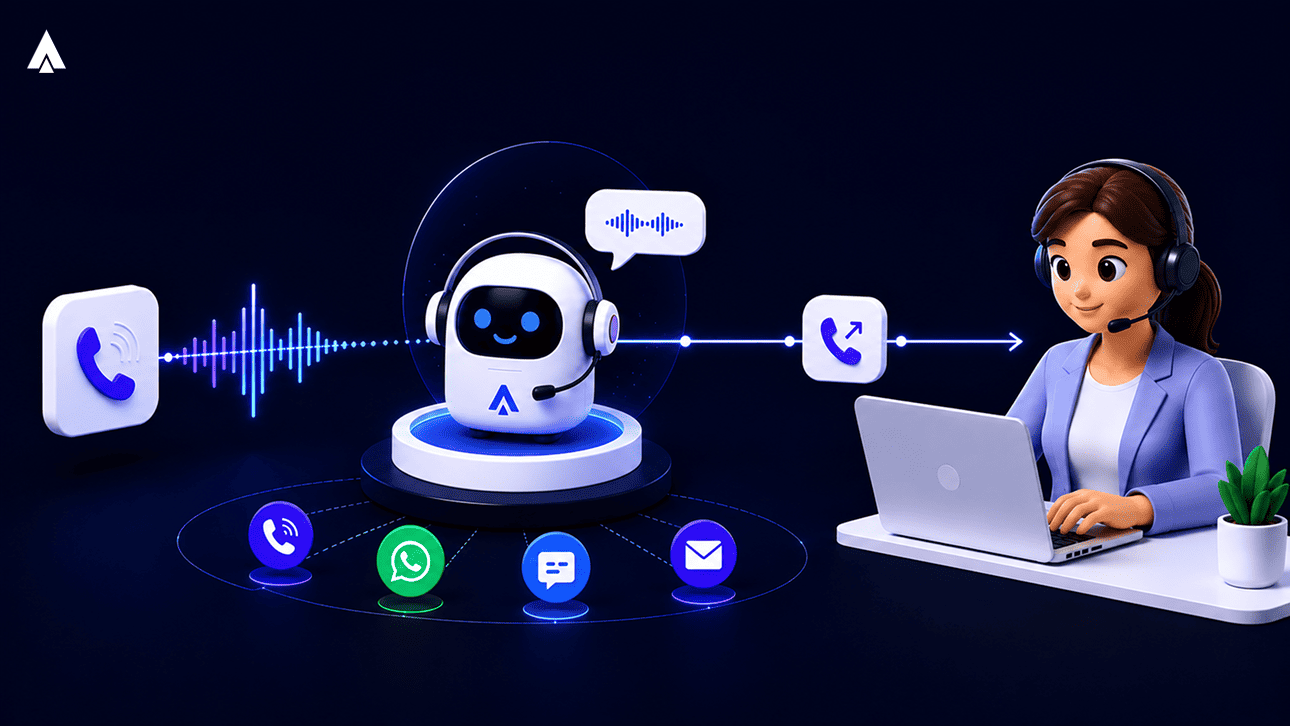
A voice bot can transfer a call to a human agent in Contact Center Studio. The agent now sees the full conversation so far. Three updates make this possible. The agent gets the bot’s transcript and summary at the point of transfer. The call recording combines bot and agent audio into one file.
This works whether the caller spoke to the Voice Bot or a third-party bot, brought in through Voice Streaming. Acefone exposes an API that the bot writes conversation context into, at the point of transfer. Contact Center Studio (CCS) receives that context and displays it to the agent taking the call. This capability is live on Contact Center Studio today.
The Conversation Context API sends the voice bot transcript and a short summary to the agent. This happens right as the transfer connects, tied to the Call ID. Your agent reads the conversation before saying a word.
Next, a transferred call now saves a single file, with the voice bot’s part and the human agent’s part combined. Your QA team reviews the whole conversation in one listen.
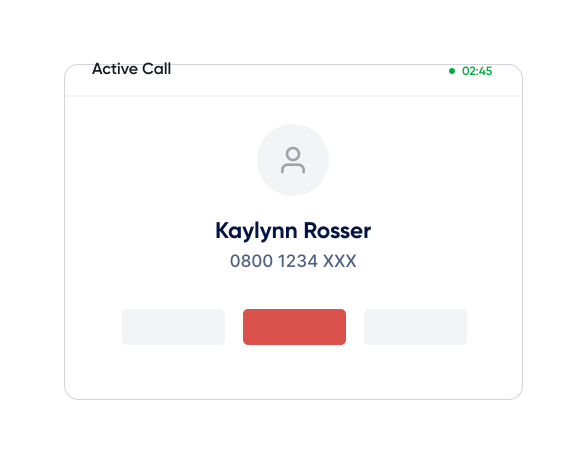
The caller ID shown during a bot-to-agent transfer is the real customer number. Your agent knows exactly who they’re talking to, from the first second.
In June, we added one more layer of protection. If a customer’s voice bot platform goes down mid-call, CCS now falls back automatically. The call moves to an agent, an IVR, or voicemail, instead of the call ending.
TL;DR: Bot-to-agent transfers on CCS now carry context from any bot, plus a fallback if the bot goes down.
Why Did QA Changes Always Need a Ticket?
Admins can now open a configuration console and edit Xtract’s scoring prompts and parameters directly. That means no raised ticket for routine changes. Sentiment and quality scoring are far more visible too. A dedicated Sentiment Analysis dashboard now tracks agent sentiment, customer sentiment, and overall call sentiment. Each of these can be set as a flagging criterion.
We rolled out the Xtract configuration console in April, then expanded it in May and June. Your QA lead sets up scoring criteria directly.
Sentiment got a much bigger upgrade than a single card. We shipped a dedicated Sentiment Analysis dashboard, covering agent sentiment, customer sentiment, and overall call sentiment. You can configure any of the three as a flagging criterion. A call then gets flagged automatically when sentiment drops.
In June, we added a quality checklist next to the sentiment view. Your reviewer sees a clear pass or fail view for each call.
We also added a usage dashboard for admins. You can see how much of your Xtract quota you’ve used, without pulling a report.
TL;DR: Xtract now covers full sentiment analysis and self-serve scoring, without a ticket for routine changes.
Why Does Every CRM Fix Need Engineering?
Agents on Contact Center Studio (CCS) now dial straight from a CRM record with one click. Admins run a one-click self-test before a shift starts, checking CRM permissions and dialer settings. Teams also configure a few CRM and integration settings themselves, where this used to route through engineering.
In May, we added Click-to-Call to Contact Center Studio. Your agent clicks a number on a CRM record, and CCS dials it. No manual entry, no typos.
We also shipped a CRM Diagnostic Suite. Before a shift starts, your admin runs a one-click test. It checks CRM permissions and dialer settings and surfaces common configuration issues early. We refreshed this again in June with better authentication checks.
Teams embedding third-party tools inside CCS can now whitelist those URLs themselves, without going through engineering.
In June, we added Salesforce case linking. Your agent attaches a call to an existing case, instead of creating a new one every time.
TL;DR: Agents dial straight from CRM records on Contact Center Studio, and admins catch configuration issues before a shift starts.
Three Things Worth Remembering
Three things stood out this quarter. Voice Bots, whether Acefone’s or a customer’s own, now hand off full context to agents on Contact Center Studio. Sentiment and QA scoring are far easier to configure, without raising a ticket for routine changes. And CRM setup is easier to test and fix, without going through engineering.
For teams already on Xtract, these updates are live in the product. No new contract, no change in tools.
Want to see the bot-to-agent handoff and the Xtract configuration console on your own account? Book a walkthrough, and we’ll show you exactly where your team saves the most time.