


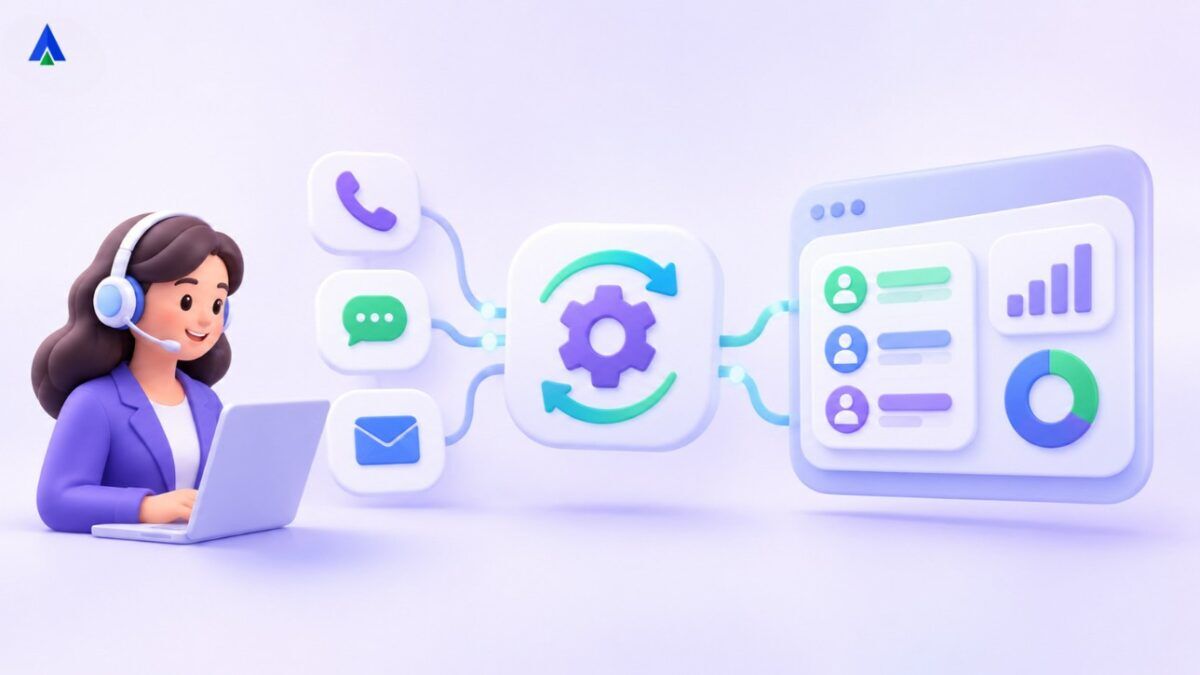


Quick Answer : Customer service workflow automation uses defined triggers and actions to connect routine support tasks across phone systems, helpdesks and CRMs. Common examples include call-to-ticket creation, agent assignment, SLA alerts, missed-call callbacks and post-resolution surveys.
Most customer service delays aren’t caused by hard problems. They’re caused by small manual steps. Someone copies details from a call into a ticket. Someone else decides who should handle it. A third person checks whether it was ever resolved. Each step takes a minute. Multiply that by hundreds of contacts a day and it adds up fast.
Workflow automation for customer service removes those steps. Here’s how to connect calls, tickets and CRM records so the work moves on its own.
What Is Customer Service Workflow Automation?
It means using rules and triggers to carry out repetitive support tasks automatically. When one thing happens, the system does another. A call ends, so a ticket is created. A ticket sits idle for four hours, so a manager gets an alert. A case is marked resolved, so a survey goes out.
In a contact center, contact center workflow automation links your phone system, helpdesk and CRM so they behave like one tool instead of three.
Where Do Manual Customer Service Workflows Waste Time?
- Typing call notes into tickets.
- Searching for a customer’s history.
- Deciding who owns each case.
- Chasing updates nobody posted.
- Following up on missed calls.
These small tasks rarely show up in reports, which is why they survive for years. Agents don’t complain about them. They just absorb them. Time one agent for a full day and you’ll often find a surprising share went on admin rather than helping customers. If any of that sounds familiar, you’ve found workflows worth automating.
5 Customer Service Workflow Automation Examples
For shared customer history, explore Acefone Interactions Hub.
1. Call-to-ticket automation
When a call ends, or gets missed, the system creates a ticket with the caller’s details, the reason for the call, a recording link and a summary. Nobody retypes anything, and agents move straight to the next call.
2. Smart assignment
New tickets go to the right agent or team based on topic, language, priority or account owner. You get fewer reassignments and a faster first response.
3. SLA reminders and escalation
Set targets for response and resolution. If a ticket is close to breaching, the system nudges the agent. If it does breach, it escalates to a team lead.
4. Missed-call callbacks
A missed call creates a task automatically and can trigger an SMS or a callback reminder. A missed call that nobody follows up on is a lost customer, plain and simple.
5. Post-resolution updates and surveys
When a ticket closes, the CRM record updates and a short satisfaction survey goes out. You collect feedback without anyone remembering to ask for it.
Example: How Call-to-Ticket Automation Works
Connect call records through Acefone Freshworks integration where the supported workflow allows.
Picture a customer calling about a delayed refund. The call comes in on your toll-free number and the CRM recognises the caller. A ticket opens automatically and routes to the billing team. The agent sees the earlier refund request in the history, fixes the issue, picks a disposition and closes the ticket. The CRM updates, a survey is sent, and the call summary is saved.
The agent typed almost nothing, and the customer didn’t have to explain anything twice.
How to Build Automated Customer Support Workflows
Review Acefone cloud telephony services for call-event and routing requirements.
- Map the current process on paper, including the awkward parts.
- Pick one workflow with high volume and clear rules.
- Define the trigger, the action and who gets notified.
- Test with real scenarios, including the strange ones.
- Launch to a small team, collect feedback and adjust.
- Add the next workflow only when the first one is stable.
Which KPIs Measure Customer Service Process Optimization?
- First response time
- Average handling time
- First-contact resolution rate
- SLA compliance
- Ticket backlog
- Customer satisfaction score
Record these before you automate anything. Without a baseline, you can’t tell whether the change helped.
What Customer Service Automation Mistakes Should You Avoid?
- Automating a broken process. Fix the process first. Otherwise you just do the wrong thing faster.
- Too many rules. Complicated flows are hard to maintain and tend to break quietly.
- No human override. Agents need to be able to step in when a case doesn’t fit.
- Set and forget. Review your workflows every quarter as products and policies change.
Why CRM Workflow Integration Matters
A phone system, helpdesk and CRM that work separately create three versions of the truth. Connect them and each call, ticket and note lands on one customer record. That’s what makes CRM workflow integration valuable: the context follows the customer, whoever picks up next.
How to Choose Helpdesk Telephony Integration Tools
For helpdesk telephony integration, check that your phone system connects natively to your helpdesk and CRM, can trigger actions from call events, and offers reporting across all three. If you have to stitch together custom scripts for basic tasks, the maintenance will eat the time you saved. Acefone’s cloud telephony is built to connect with CRMs and helpdesk tools, so call events can feed straight into your ticketing and customer records.
Conclusion
Need customer data alongside call handling? Review Acefone Salesforce integration and plan a pilot.Good automation is mostly invisible. Customers just notice that things happen faster and nobody asks them to repeat themselves. Start with one workflow, measure it, and build from there. Ready to connect your calls, tickets and CRM? Reach out to the Acefone team for a walkthrough tailored to your support setup.
Frequently Asked Questions
Automation follows rules you set: if this happens, do that. AI interprets language or patterns. Many support setups use both together.
Many tools offer no-code builders for common flows. Complex integrations across several systems may need some technical help.
Only if you automate the conversation itself. Automating the admin around the conversation gives agents more time to be personal.
Call-to-ticket creation and missed-call callbacks. Both are simple, high-impact and easy to measure.
It is a rule-based process that creates or updates a support ticket when a specified call event occurs, subject to the integration and data fields available.
Compare a baseline with pilot results for handling time, ticket backlog, missed-call follow-up, errors and customer satisfaction; include implementation and maintenance costs.


