


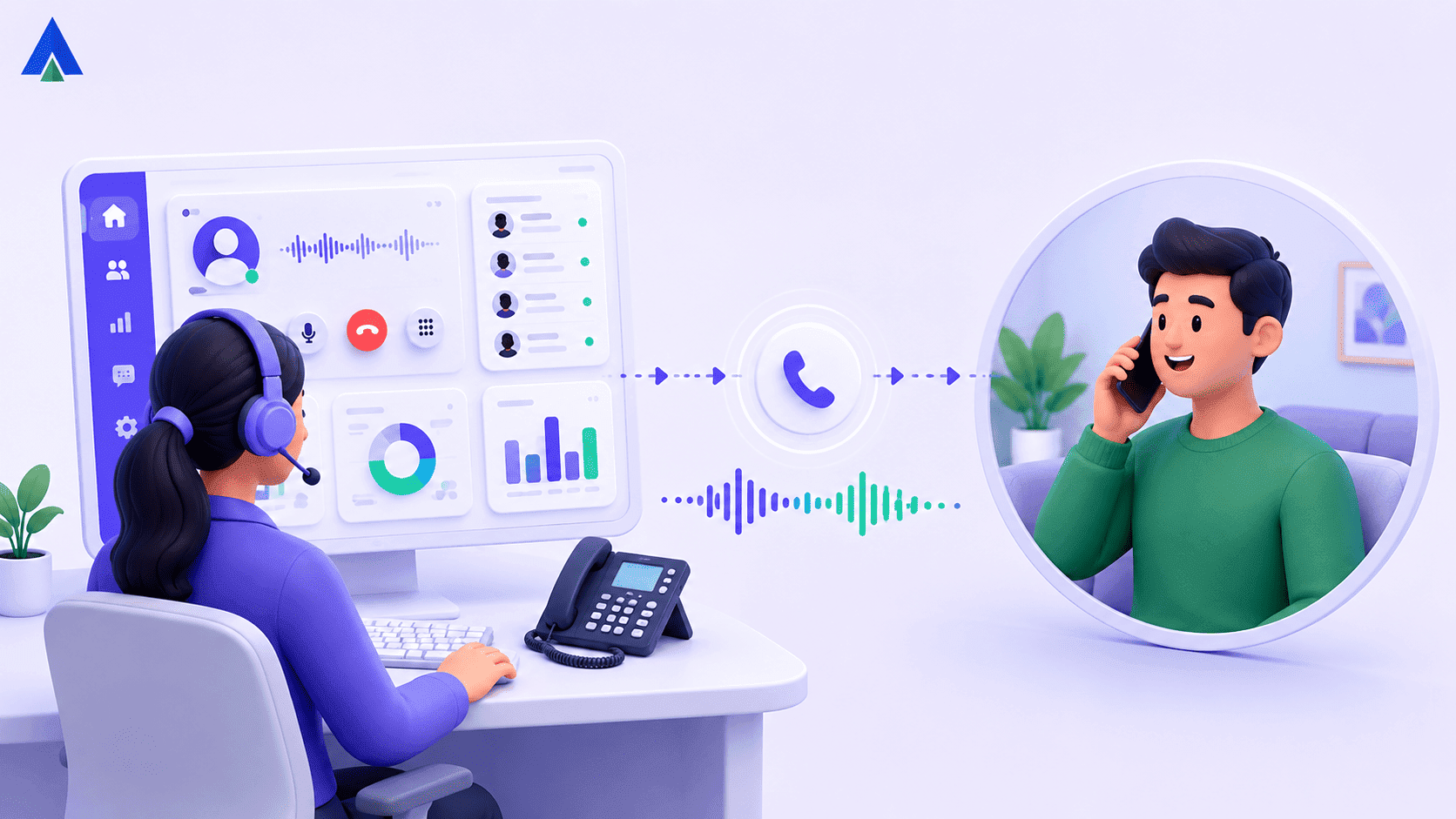


Ask five people in your office to define click to dial and you will likely get five different answers. Some call it click to call. Some think it is just a website button. Others assume a robot dialer is calling on their behalf.
For IT and telecom teams evaluating a new phone stack, that confusion has real consequences. Pick the wrong integration and you inherit compliance risk, CRM friction, and a support team stuck copying numbers by hand.
In this piece, we clear up what click to dial is. You will also learn how it differs from click to call, and what to check before committing budget.
What Is Click to Dial?
Click to dial is a phone feature that lets someone start a call by clicking a number instead of typing it. Clicking the number triggers the device’s native dialer, or the connected phone system, to place the call automatically. It works from websites, CRMs, helpdesk tools, and even PDFs. Businesses use it to cut manual entry, reduce misdials, and get reps or agents on a call faster.
It is any interface where a phone number becomes clickable. Clicking it starts a call without retyping. On a smartphone, that click can open the native phone app. On a CRM like Salesforce or HubSpot, it usually routes through your connected phone system instead.
CTI: Computer Telephony Integration, the technology that links your phone system to software like a CRM, so calls, numbers, and customer data sync automatically.
Under the hood, most business click to dial features run on CTI. When an agent clicks a customer’s number inside the CRM, the CTI layer passes that number to the phone system. The system places the call and logs it against the right record.
That is different from a simple clickable link. Click to dial is built to carry context. Caller ID, call notes, and call history travel with the click.
How Is Click to Call Different from Click to Dial?
Click to call is the broader term for any one-click way to start a phone call. Click to dial is one specific form of it. Clicking a number triggers your device’s native dialer, or a CTI-connected business phone system, instead of an in-browser call. Most vendors use the two words interchangeably.

What is the Scope of Click to Dial Technology?
Click to call technology covers three common forms. Request-a-call bridges two numbers through a third-party service. Click to dial opens the phone’s native dialer, usually on mobile. Click-to-talk uses WebRTC to run the call inside the browser, with no phone app involved. Click to dial is simply one branch of the wider click to call family.
How Does Click to Dial Call Routing Work?
WebRTC: Web Real-Time Communication, a browser technology that lets audio and video calls run directly inside a web page.
A WebRTC-based click to call button routes the call inside the browser itself. A CTI-based click to dial setup instead hands the number to your phone system. The system places the call the same way a desk phone would.
What Does Each Dialing Method Depend On?
Click to call, when built on WebRTC, depends on the visitor’s browser and internet connection holding up for the call’s duration. Click to dial depends on your phone system and your agents’ existing lines instead. That is why call quality issues in one rarely explain problems in the other.
Where Will You See Each One?
Click to call buttons show up most on marketing pages and Google’s call-only ad formats. They target consumers browsing on mobile. Click to dial usually lives inside a CRM record, a helpdesk ticket, or another business app. It targets agents already mid-workflow.
Dialing Mode: Preview or Automatic
A preview dialer lets an agent review the contact before dialing. Manual click to dial falls into this category. Power and predictive dialers, by contrast, dial automatically using call-pattern heuristics, with no manual click involved. If your sales team needs full context before every call, that preview step is what matters. The label on the button matters far less.
Why Do IT Teams Care About Click to Dial?
IT and telecom teams care about click to dial because it sits at the intersection of two systems they own. Those systems are the CRM and the phone system. A poorly integrated click to dial feature creates duplicate records, broken call logs, and support tickets.
A well-built one syncs caller ID, call history, and disposition notes automatically, without agents touching either system by hand.
For business teams, the real evaluation is not whether click to dial exists. It is whether the feature exposes an API, supports single sign-on, and logs calls back to the CRM record automatically.
Agents should not need a browser extension for every number format. Support teams should not need to manually match a call log to a ticket. We built our own click to dial layer around this exact requirement. One click, correct routing, and a call log that lands on the right record, every time.
What Business Impact Does Click to Dial Deliver?
Click to dial’s business impact shows up in two places: conversion and rep productivity. It turns a webpage visit or a CRM record into an actual phone conversation, the highest-intent channel most businesses have. It also removes manual number entry, the fiddly first step in every outbound call. That lets reps and agents move to the next conversation faster.
The impact plays out in a few concrete ways:
- Turns intent into conversation: A single click moves someone from browsing, or from a CRM record, straight into a live call. Nobody gets lost while dialing a number by hand.
- Cuts the drop-off between interest and contact: Every extra manual step, copying a number, switching apps, retyping, is a chance for a lead or customer to disengage before the call connects.
- Frees up selling time: Removing manual dialing gives reps and support agents back time that would otherwise go into number entry and app-switching, not into actual conversations.
- Improves attribution: When every click to dial call logs automatically against the right CRM record, it becomes easier to trace which pages, campaigns, or reps are driving real conversations.
- Reframes the budget conversation: click to dial has become less of a convenience feature and more of an infrastructure tied to revenue and rep time, which makes it easier to justify in a finance review.
Is Click to Dial Compliant With Calling Rules?
Click to dial itself is not an auto dialer, so it generally sits outside the strictest rules aimed at automated and prerecorded calls. Outbound calling in general still falls under TCPA consent rules, the National Do Not Call Registry, and calling-hour limits. A stricter “one-to-one consent” rule was due to take effect in January 2025. Courts vacated it before it applied, and the FCC formally repealed it soon after.
ATDS: Automated Telephone Dialing System, equipment that dials numbers automatically or delivers prerecorded messages. This is the core category the TCPA regulates most strictly.
Click to dial is agent-initiated rather than automatic. So, it generally sits outside strict ATDS rules that apply to predictive or power dialers. But the wider TCPA framework still governs how and when you call.
The compliance picture shifted in 2025. The FCC had adopted a stricter one-to-one consent standard in 2023, tying consent to a single named seller. Its effective date was delayed to January 27, 2025. Before it could take effect, the Eleventh Circuit vacated the rule in Insurance Marketing Coalition v. FCC, and the FCC formally removed it that July, per Womble Bond Dickinson’s legal analysis.
The older, pre-2023 consent standard applies again as a result. The FCC’s Telemarketing Sales Rule still limits calling hours to 8 a.m. to 9 p.m. local time. The National Do Not Call Registry still applies. Revocation of consent, by text, email, or spoken request, must be honored.
For decision makers, this is the section worth reading twice. Rules in this space keep shifting, so confirm your provider’s current compliance posture before deploying at scale.
How Click to Dial Fits Industry Workflows?
With click to dial wired into the helpdesk through CTI, the agent clicks the number directly on the ticket. The call routes through the existing business phone system, and the outcome logs back to that same ticket automatically. Teams do not need to maintain two separate number formats or train agents on a second app.
The specific workflow changes from industry to industry, but the underlying pattern repeats:
- BFSI: Relationship managers and collections teams click to dial straight from a core banking or lending CRM. The call logs against the customer’s account, which supports audit and compliance trails.
- Healthcare: Front-desk staff and care coordinators click to dial patients directly from an EHR or scheduling record. This cuts the risk of dialing the wrong number off a printed list.
- Education: Admissions and student support teams click to dial prospective students or parents from an admissions CRM. Enquiries get a same-day follow-up instead of waiting on manual data entry.
- Retail: Customer service and delivery teams click to dial customers straight from an order record to resolve delivery issues. The call ties back to that specific order, not a generic ticket.
- Professional services: Client-facing teams at law, accounting, or consulting firms click to dial clients directly from a matter or engagement record. Call history stays attached to the right file.
Across all five, the common thread is the same: a cloud telephony backend sitting underneath the CRM or line-of-business system.
Takeaway
Click to dial and click to call get used as if they are one thing, and for most everyday conversations, that is fine. But when you are signing off on a phone system or a CRM integration, the distinction earns its keep.
Click to dial specifically routes a call through your device’s native dialer or your connected phone system. Click to call is the wider umbrella, which includes in-browser WebRTC calls too. The business case is straightforward. It turns more visitors and leads into live conversations. It also frees up rep and agent time otherwise lost to manual dialing.
We build and support click to dial for CRM and helpdesk teams at Acefone. The lesson repeats with almost every rollout: routing and compliance matter far more than the click itself.
Frequently Asked Questions
No Click to call is the umbrella term for any one-click way to start a call, including browser-based WebRTC calls. Click to dial specifically routes the call through a device’s native dialer or a connected business phone system. Most vendors use the terms interchangeably, but the underlying routing differs.
Yes, generally. Click to dial needs either a CTI layer connecting your CRM to your phone system. Or it needs a WebRTC-enabled browser feature for in-page calls. Standalone websites often use a browser extension or embedded script. Business tools like Salesforce or Zendesk typically need a dedicated integration.
Click to dial is agent-initiated, so it usually falls outside strict auto dialer rules under the TCPA. A stricter 2023 consent rule was vacated by courts before it took effect. Older TCPA consent, Do Not Call Registry, and calling-hour rules still apply. Confirm your provider’s compliance posture before deploying at scale.
Pricing varies by provider and usually scales with the number of agents and call volume. Some cloud telephony platforms bundle click to dial into a base plan. Others charge per-user add-on fees for CTI integrations. Compare total cost against the productivity and ROI data before deciding.
Click to dial adds little value for teams making very few outbound calls, or working from a single, unintegrated phone line. If your CRM has no API access, a simple dialer might serve you better. The same applies if your call volume does not justify a full CTI project.


