


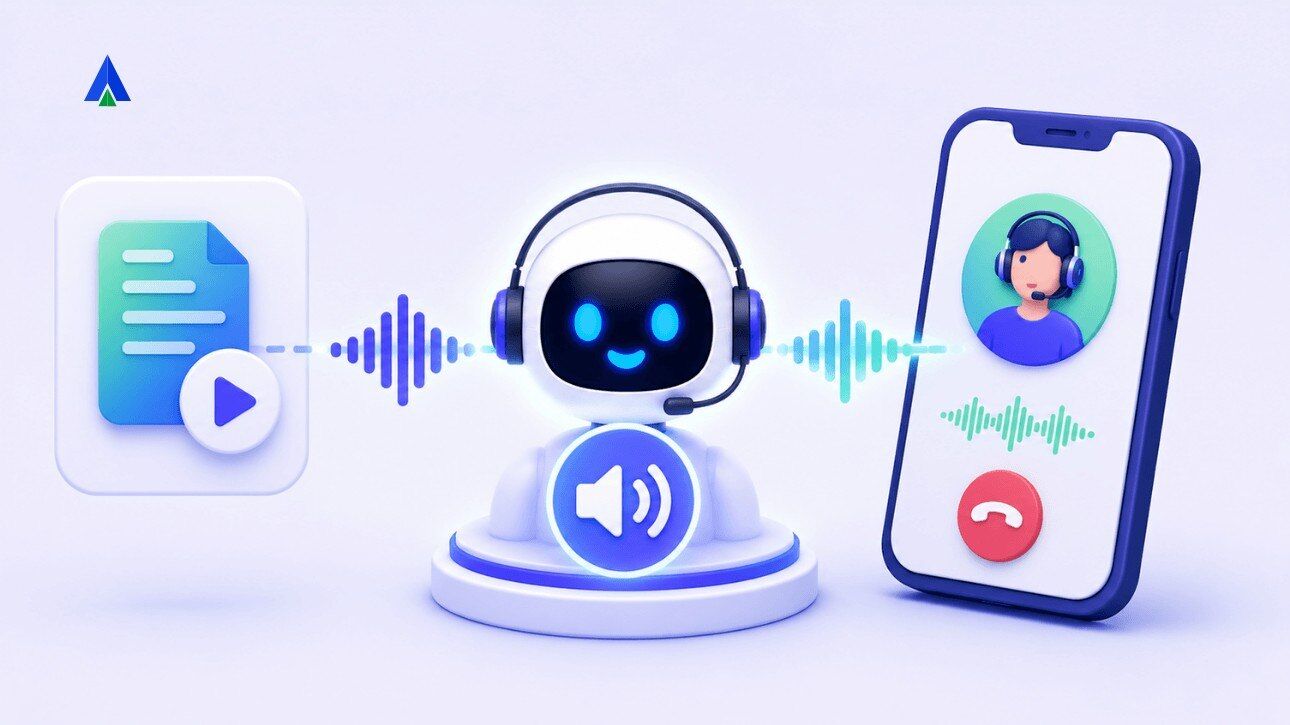


You dial into an AI text to speech voice bot demo. It answers fast and understands the query. Then it speaks, and something feels off: flat tone, garbled numbers, an awkward pause before each sentence.
Operations managers and founders new to voice AI often blame the wrong layer. The bot’s reasoning was fine. Its voice let it down.
This is where text to speech comes in. It’s the final step in a voice bot’s pipeline. It decides whether a caller trusts the bot or hangs up. Here’s what it does, and how to judge an AI text to speech engine properly.
What Does AI Text to Speech Do in Voice Bots?
AI text to speech converts the bot’s written response into spoken audio. In customer calls, it decides the voice, pause, pacing, pronunciation, and rhythm a caller hears. For voice bots, the right TTS engine should sound natural, respond fast, handle numbers and names, and support the caller’s language without awkward pauses.
What Does Text to Speech (TTS) Actually Do in a Voice Bot?
Text to speech, or TTS, is the final layer in a voice bot’s pipeline. It takes the AI’s text response and converts it into audio the caller hears. Every word, pause, and inflection on the call comes from this layer.
Text to speech (TTS): the AI process that converts written text into spoken audio.
Think of TTS as the mouth of your voice bot. Reasoning can be sharp and data accurate, but if the mouth stumbles, the caller only remembers the stumble. Judge a text to voice generator’s output on its own, separate from how smart the bot sounds on paper.
How Does the STT-LLM-TTS Stack Work in Customer Calls?
A voice bot runs on three layers in sequence. Speech-to-text (STT) turns the caller’s voice into text. The LLM decides what to say. TTS converts the reply into audio. Weakness in any layer breaks the conversation’s illusion.
| Layer | What It Does | What Can Break the Call |
| STT | Converts the caller’s spoken words into text the AI can read. | If STT mishears a word, the LLM answers the wrong question. |
| LLM | Reads the transcript and generates a response. | If the response is wrong, TTS only makes the wrong answer audible. |
| TTS | Converts the reply into audio. | If TTS sounds robotic, none of the upstream accuracy matters to the caller. |
STT (speech-to-text): converts the caller’s spoken words into text the AI can read.
LLM: the language model that reads the transcript and generates a response.
Each layer hands off to the next. If STT mishears a word, the LLM answers the wrong question. If TTS sounds robotic, none of the upstream accuracy matters to the caller.
Recommended Read – AI Speech analytics
What Makes an AI Text to Speech Voice Sound Natural?
Naturalness in TTS is not pronunciation accuracy. It comes down to prosody: intonation, pacing, and emphasis. A voicebot that can pronounce every word correctly and still sound unnatural if the rhythm is off.
Prosody: the intonation, pacing, and emphasis patterns that make speech sound human rather than mechanical.
Researchers measure this with Mean Opinion Score, or MOS. Listeners rate speech naturalness on a five-point scale, per a University of Pennsylvania study.
Zilliz notes a MOS near 4.0 is close to human quality; 2.5 means listeners notice artefacts. The real test for a B2B bot: how it handles numbers, dates, and regional names. A bot that mispronounces a rupee amount, or a customer’s name breaks trust in one sentence.
Why Does TTS Latency Break Voice Bot Conversations?
A technically good TTS voice still feels robotic if there’s a delay before it speaks. Latency, not voice quality, is often what makes a bot feel like a phone tree instead of a conversation.
Voice latency builds up across the stack. STT, LLM processing, and TTS time-to-first-audio add up before a reply reaches the caller. Human conversation has a natural response gap of 200 to 300 milliseconds. For a bot to feel real-time, the full loop needs to land in the 500 to 600 millisecond range. Cross that, and callers notice, even with perfect pronunciation.
Evaluating latency, telephony, and language fit together? Use this voice bot platform evaluation checklist before your next vendor call.
How Does AI Text to Speech Apply to Indian Voice Bots?
For Indian businesses, TTS quality is not an abstract benchmark. It is the difference between a bot that sounds like a local agent and one that sounds foreign.
Hindi, Hinglish, and regional accents are common on Indian calls. A caller mixing Hindi and English needs a TTS engine trained on that pattern natively. It should not pause at the language boundary.
AceX voice bots support 12-plus languages, including Hindi, Tamil, Telugu, and Hinglish. Call data stays within Indian servers too, which matters for DPDPA compliance.
How Do Contact Centre Platforms Approach TTS Engines?
Most contact centre platforms bundle TTS into a single, in-house voice stack rather than offering a choice of engines. Global UCaaS and CCaaS providers often build a proprietary ASR-to-TTS pipeline end to end, marketed as one integrated architecture. India-focused telephony platforms typically take a similar single-engine approach. They pair in-house TTS and ASR, tuned for Indian accents, with their contact centre stack.
Both approaches work well within their own stack. Neither lets a business swap the underlying TTS engine for a different call type. That flexibility is where a multi-provider approach, like AceX’s, differs.
For teams that need voice automation and live-agent escalation together, Contact Center Studio keeps the human handoff inside the same calling operation.
Why Does AceX Use a Multi-Provider AI Text to Speech Approach?
AceX Voice Bot takes the opposite approach. Instead of one fixed engine, it plugs into multiple TTS providers and routes calls by use case. A collections call can run on a low-latency engine. A support call can use a warmer, more expressive one instead. Neither needs a platform switch or a rebuild.
Conclusion
Three things matter when you evaluate text to speech for a voice bot. First, TTS is the layer callers judge you on, regardless of the reasoning behind it. Second, latency and language fit matter more than raw voice quality. Third, flexibility beats lock-in. Different engines suit different call types, and a multi-provider, BYOK-friendly platform lets you match the right voice to the conversation.
If your voice bot sounds robotic, slow, or foreign to callers, the fix is usually the TTS layer. It’s not the AI behind it. See how AceX Voice Bot lets you test and switch between TTS engines for different call types. Request a demo to hear the difference yourself.
FAQs About AI Text to Speech and Voice Bots
TTS and text to voice describe the same technology: converting written text into spoken audio using AI. Text to voice generator is the more consumer-facing term for the same engine.
Older TTS stitched together pre-recorded sound units, producing choppy speech. AI text to speech uses neural models trained on real speech data. This gives natural prosody and better handling of names and numbers.
Aim for a full voice-to-voice loop, covering STT, LLM, and TTS, of 500 to 600 milliseconds. Beyond that, callers notice the delay and it feels like a phone tree.
Not equally. Global engines often bolt on Indian languages as an afterthought, pausing at code-switch points. Engines trained natively on Indian speech, handle Hindi-English mixing without an accent shift or unnatural pause.
If a call needs human judgement, empathy, or improvisation, hand it to a live agent instead. Sensitive escalations and complex negotiations are good examples.


