




TL;DR:
- WhatsApp Business API lets you send templates, run chatbots, and route agent replies at scale, unlike the free WhatsApp Business App.
- WhatsApp messages see open rates around 98%, versus roughly 20% for email.
- India has 535.8 million monthly WhatsApp users, the platform’s single largest market.
- Meta moved to per-message pricing on 1 July 2025; service replies within a 24-hour window stay free.
- The features that matter most are chatbot automation, CRM sync, and an omnichannel agent desk, not just a low per-message rate.
- Support teams use it to deflect FAQs and route urgent cases with history attached; sales teams use it to qualify leads and follow up post-demo.
A customer messages your support number at 11pm asking where their order is. On email, that sits unread till morning. On WhatsApp, a template reply goes out instantly, and if it needs a human, an agent picks it up with the full chat history already attached.
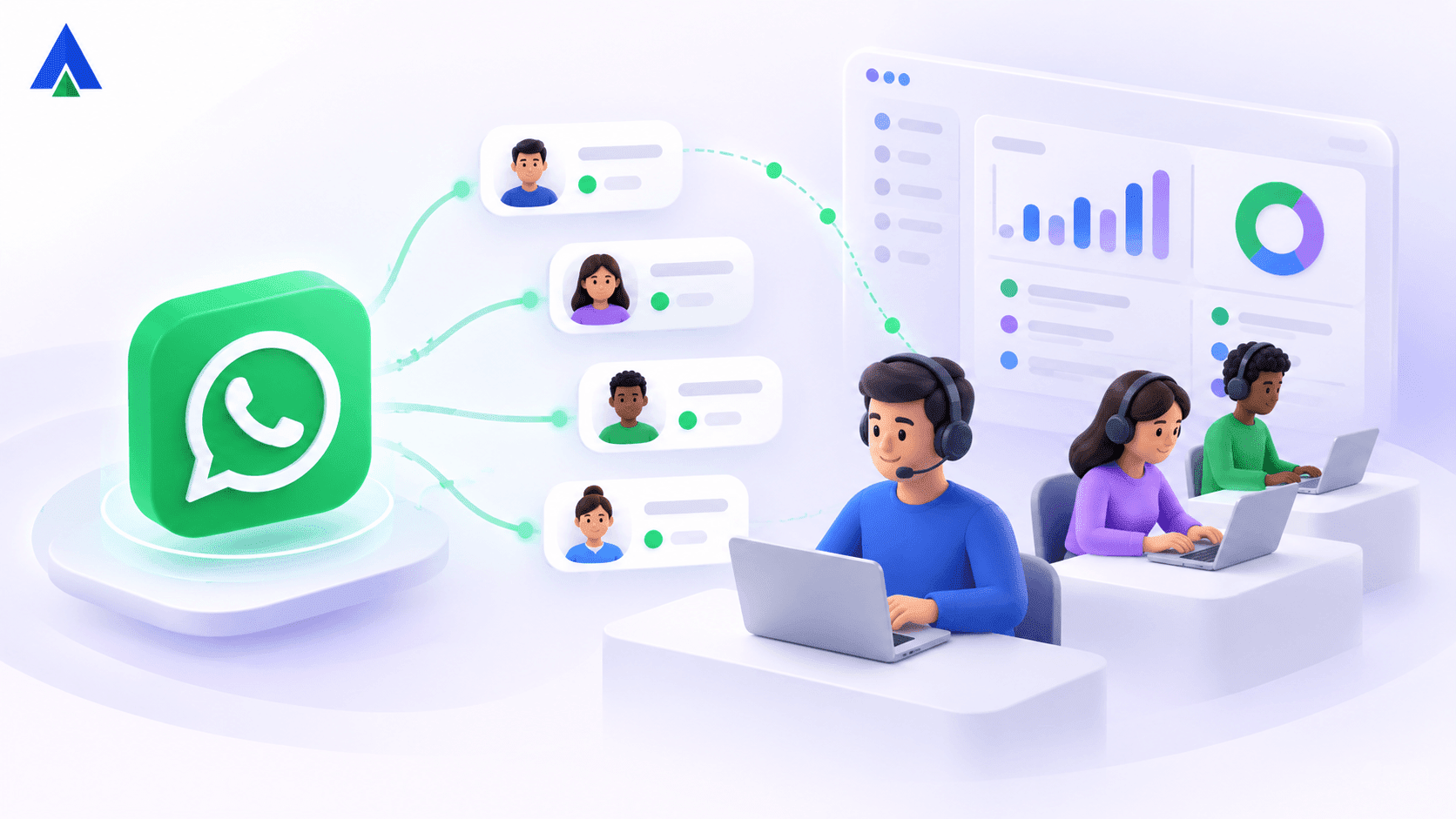
That’s the shift the WhatsApp Business API makes possible. It’s not the app on your phone. It’s the backbone that lets a business send and receive WhatsApp messages at scale, through its own systems. The system includes templates, chatbots, and multiple agents working off one verified number.
In this post, we’ll cover what the API actually is, why sales and support teams reach for it, how pricing works today, and what to check before you pick a provider.
What Is WhatsApp Business API and How Does It Work?
WhatsApp Business API is the official, developer-level access to WhatsApp that lets a company send and receive messages through its own systems. This happens on a scale a single phone or the free app can’t handle.
Once your number is verified with Meta, every incoming message routes through the API to your bot, agent desktop, or backend system. Outbound messages go out as approved templates, or free form replies inside an open session window.
The difference between this and the app you use personally is scale and structure. The app suits one device and a handful of chats. The API is built for automation, multiple agents, and integration with a CRM, at a volume the app was never designed for.
Open rates are the reason teams switch. WhatsApp messages are commonly cited at around 98% opened. That alone reshapes how you’d design a support or sales workflow.
Learn more: Whatsapp Call Center
Why Do Businesses Use WhatsApp Business API for Sales and Support?
Speed and reach are the two things that change once you’re on the API. Autoreply with a template the moment a customer messages, instead of leaving them in a queue.
India makes the reach argument concrete. The country counts millions of monthly WhatsApp users, occupying a significant percentage of the platform’s entire global base. For a business selling or supporting customers in India, that’s not a channel to test. It’s close to default infrastructure.
For support, a chatbot deflects routine questions, order status checks, and FAQs, freeing agents for the conversations that actually need a person. For sales, payment reminder campaigns reach opted-in contacts on the app they already open daily, and product catalogs let customers browse and buy without leaving the chat.
We’ve seen this cut first-response time dramatically. A query that used to sit in an email queue for hours gets an instant template reply, with a live agent stepping in only when the bot can’t resolve it.
How Does WhatsApp Business API Pricing Work?
Meta moved to per-message pricing on 1 July 2025, replacing the older conversation-based model. You’re now billed per delivered template message, based on its category and the recipient’s country.
Three categories carry different rates: marketing, utility, and authentication. Service replies you send inside an open 24-hour session, after a customer messages you first, stay free.
This matters for how you structure conversations. A support reply inside that 24-hour window costs nothing extra. A marketing broadcast that opens a new conversation gets billed at the marketing rate. Teams that understand this split their sends: transactional and support replies inside the free window, promotional broadcasts planned around the billed rate.
Acefone keeps this predictable with clear per-message billing and template approval handled for you, so you’re not guessing at your monthly WhatsApp spend.
What WhatsApp Business API Features Matter for Scaling Support?
Look past the headline per-message rate and check the operational features first. A provider that can’t sync to your CRM costs you more in manual work than it saves per message.
Here’s what to actually evaluate:
- Chatbot automation: to handle FAQs, order status, and lead qualification around the clock
- CRM and helpdesk sync: to push every chat into the systems your team already uses
- Omnichannel agent desk: so agents see WhatsApp alongside voice and SMS, with shared history
- Verified green-tick profile: so customers know they’re messaging the real business
- Rich media and catalog sharing: to send images, PDFs, and product catalogs in-chat
- Quick replies and flow forms: so customers tap to confirm or reschedule, no typing needed
Sales and support teams rarely use just one of these. A support agent handling an escalation needs the chat history from the bot’s earlier exchange. A sales rep following up after a demo needs the catalog and quick-reply buttons in the same thread they used to qualify the lead.
How Do Sales and Support Teams Use WhatsApp API Every Day?
Take a mid-size e-commerce brand running customer support and sales through the same WhatsApp number. Their support flow starts with a chatbot answering order-status questions instantly. Anything the bot can’t resolve, like a damaged item or a refund dispute, routes to a live agent with the full conversation already visible.
On the sales side, the same brand runs a WhatsApp broadcast to opted-in customers about a new product line, complete with a shareable catalog. Interested customers reply, and the conversation drops straight into the same agent desk support already uses, so nothing gets lost between teams.
Both flows sit on one verified number, one CRM sync, and one billing model. Support gets faster resolution. Sales gets a channel customers already check daily.
Conclusion
WhatsApp Business API turns your highest-open-rate channel into something you can actually measure and route, not just a chat window your team checks occasionally.
Pricing is now per-message and tied to category and country, with service replies inside a 24-hour window staying free. That’s more predictable than the old conversation-based model, once you understand the split.
The real value shows up when it’s integrated: chatbot, agent desk, and CRM sync working together, not a WhatsApp number running standalone next to your other tools. With Acefone’s WhatsApp Business API, businesses can bring these conversations into their existing workflows, helping teams manage customer interactions alongside their other communication channels.
FAQs
Meta charges per delivered message, based on category (marketing, utility, or authentication) and recipient country, since 1 July 2025. Replies you send within a 24-hour open session after a customer messages first stay free.
Yes, most numbers can be migrated to the WhatsApp bot API, provided they’re not already active on the free WhatsApp Business App. Acefone handles the migration and Meta verification steps for you.
The free WhatsApp Business App suits a single device and a small volume of chats. The API is built for multiple agents, automation, and CRM integration, at a volume the app was never designed to handle.
Yes. Acefone’s WhatsApp bot API integration pushes every message into your CRM or helpdesk in real time, so agents see the full customer history alongside their calls and emails.
Not always. If your message volume is low or your customers are not active , the free Business App may cover your needs without the added integration work. The API pays off once volume and automation needs grow.
WhatsApp Cloud API helps businesses automate customer communication at scale. It supports two-way messaging, chatbots, notifications, media sharing and personalized conversations.


